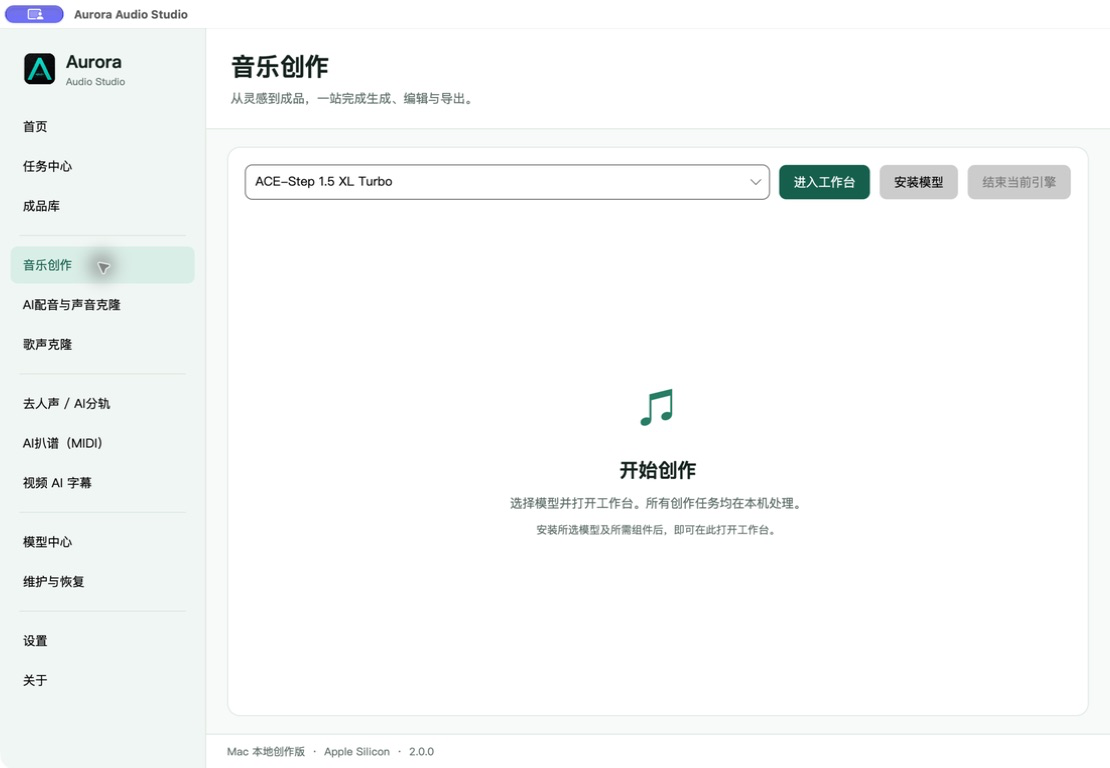
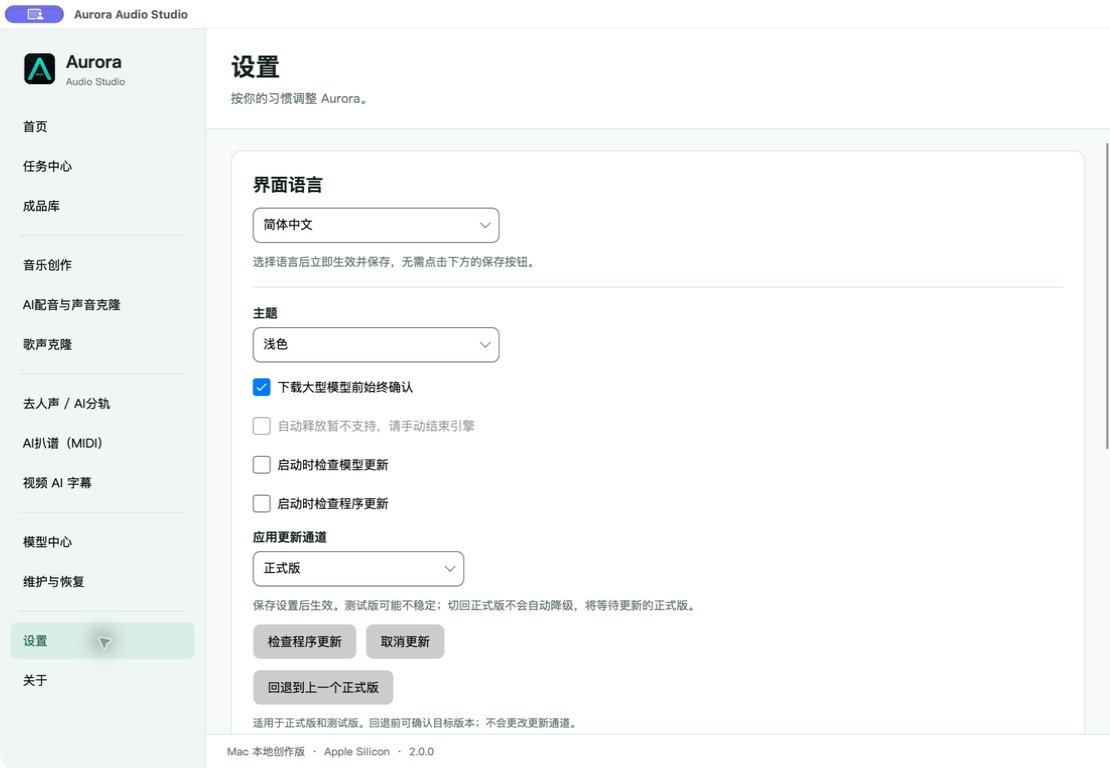
安装前显示目标目录、预计下载量、建议空间与当前可用空间。下载过程可取消并继续。Review the target, download estimate, recommended space, and available space before a resumable installation.
Aurora Audio Studio 1.3.0Aurora Audio Studio 1.3.0
让声音创作,
回到创作本身。Keep audio creation
focused on the work.
音乐生成、声音克隆、歌声转换、AI 分轨、MIDI 扒谱与视频字幕,集中在一套本地 Windows 工作台里。Music, voice cloning, singing conversion, stem separation, MIDI transcription, and subtitles in one local Windows workspace.
同一个工作空间One workspace
不是模型启动器,
是一套完整的创作环境。More than a model launcher.
A complete production environment.
六个功能互相独立,直接进入当前工作台;任务、模型与成品状态保持清晰。界面截图使用原始分辨率展示,不做透视拉伸和裁切。Six independent features open directly into their workspaces, with task, model, and output state kept clear. Every product image keeps its original aspect ratio without perspective distortion or cropping.
输入创作描述,选择模型与时长,在嵌入式工作台里完成音乐生成。Describe the piece, choose a model and duration, then create inside the embedded music workspace.
1.3.0 更稳地创作Create more reliably in 1.3.0
从一份素材,
到可追溯的成品。From source media
to traceable output.
1.3.0 保持六个独立入口和现有界面不变,重点加强单实例、模型安全切换、处理记录恢复、诊断隐私与辅助功能。Version 1.3.0 keeps the six direct workflows and current interface while strengthening single-instance safety, model switching, record recovery, diagnostics privacy, and accessibility.
- 拖入或批量选择素材Drop or batch-select media
音频和视频在提交前即可预览,并保留大小与格式信息。Preview audio and video before submitting, with format and size visible.
- 选择清晰的处理预设Choose a clear processing preset
快速草稿、推荐质量与高质量会匹配对应的本地引擎。Fast, recommended, and quality presets select the appropriate local engine.
- 在任务中心掌握过程Follow progress in Task Center
查看真实进度、当前阶段、持续时间和引擎日志,也可暂停后续队列。See real progress, stage, duration, and engine logs, or pause the pending queue.
- 在成品库继续工作Continue from the Results library
音轨、MIDI 与字幕按处理记录和时间汇总,直接打开所在位置。Stems, MIDI, and subtitles are grouped by processing record and time with direct access.
本地优先Local first
你的模型、
素材与成果,
由你决定放在哪里。Your models, media, and results
stay where you choose.
.arr 是分轨、扒谱和字幕任务的轻量记录,不是统一工程文件;它关联源文件路径、模型、参数与输出,旧 .aurora 记录继续兼容。.arr is a lightweight record for separation, transcription, and subtitle tasks—not a unified project file. It links source paths, models, parameters, and outputs while legacy .aurora records remain compatible.
应用从 GitHub 获取经过 SHA-256 校验的安装包,并交给标准 Windows 安装界面覆盖升级。Aurora verifies GitHub installers with SHA-256 and hands updates to the standard Windows setup flow.
为本地创作准备Built for local production
Aurora 仅提供 Windows 标准安装版。模型根据工作流按需安装,并遵循各自上游许可。Aurora ships as a standard Windows installer. Models install per workflow and keep their upstream licenses.
- 系统System
- Windows 10 / 11 x64
- 图形硬件Graphics
- 建议 NVIDIA RTXNVIDIA RTX recommended
- 存储Storage
- 模型按需安装Models install on demand
- 许可License
- GNU GPL v3.0
把工作流留在一处。Keep the workflow in one place.
Aurora Audio Studio 1.3.0 在保留六个独立工作流的同时,让模型更新、处理记录、诊断隐私和键盘操作更加可靠。Aurora Audio Studio 1.3.0 keeps all six independent workflows while making model updates, processing records, diagnostics privacy, and keyboard use more reliable.